




What is a Twitch logo maker?
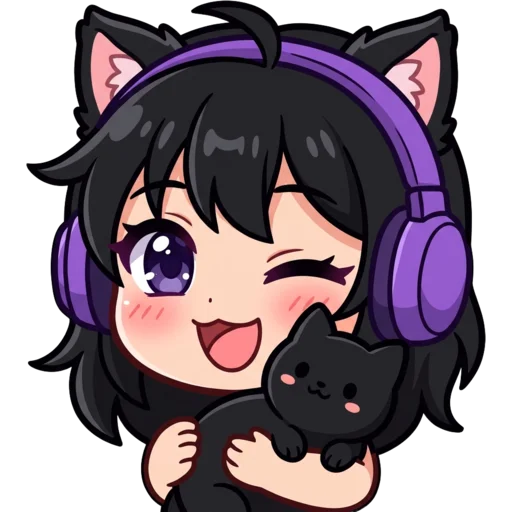
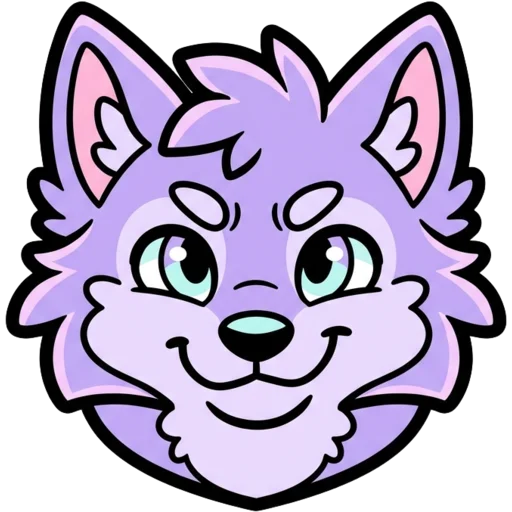
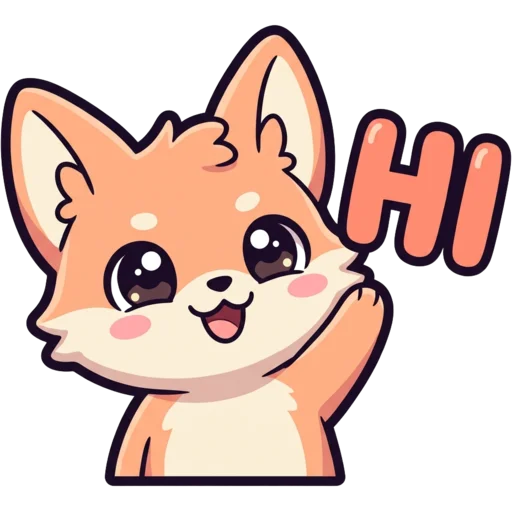
A Twitch logo maker is a tool that designs the logo for your stream. Usually that is a mascot, like a wolf head, a fox or a small character, sometimes with your channel name. The logo ends up as your profile picture, on overlays and starting screens, in your banner and on merch.
Here the AI draws an original mascot from your description using a logo-specific instruction: one character or symbol, centred, thick outlines, strong silhouette, works small. The background is then cut out, so you get a transparent PNG rather than a picture on a coloured square. The download has three logo sizes plus the three Twitch emote sizes, which means the mascot can go straight into chat. Nothing is pulled from a shared template, so your logo does not match the next channel over.
How to make a Twitch logo with AI
Open the Logo tab, describe your mascot, pick a style, sign in and press Generate. Name the animal or character, its colours and one detail that makes it yours: "a red panda wearing a gaming headset", "a skull knight with blue flames". Your channel name goes in the text box (up to 12 characters) if you want it on the logo.
The result comes back with the background already removed. Regenerating the same description gives a fresh take on the same idea, so try two or three before you pick one. Then download the transparent PNGs, or the ZIP with every size.
- Pick one mascot. A wolf and a dragon and a sword is three logos, not one.
- Two or three colours look more professional than a rainbow.
- Short names work best on a logo; long names get small.
Twitch logo ideas
Animal mascots are the most common streamer logo idea because they are easy to recognise at any size. Here are six that work well. Describe any of them in a sentence and add your colours.
| Idea | Good for |
|---|---|
| Wolf, fox or tiger head | Competitive and FPS channels |
| Cute cat, bunny or panda | Cosy, chatting and art streams |
| Pixel knight or slime | Retro, RPG and speedrun channels |
| Anime character bust | VTubers and anime channels |
| Your real pet as a mascot | Any channel where the pet stars |
| Monogram with a symbol | Minimal, clean brands |
Which style makes the best streamer logo?
Bold Lines makes the best all-round streamer logo, with the classic extra-thick mascot outline. 3D gives a glossy figure that stands out on overlays. Anime and Chibi suit VTubers, Pixel suits retro channels, and Cute or Kawaii suit cosy streams. If you already have emotes, use the same style so the logo and emotes look related. Still deciding? Generate the same mascot in two styles and compare.
Logo, PFP or emote: what is the difference?
A logo is your brand mark, a PFP is your profile picture and an emote is a chat reaction, and each is drawn differently. A logo needs a strong silhouette and a transparent background so it can sit on anything. A PFP fills the square with a background so it looks finished inside a circle. An emote exaggerates one emotion so it reads at 28 px.
A common order is logo first, then the same mascot in emotes and badges, so the channel looks connected.
| Logo | PFP | Emote | |
|---|---|---|---|
| Background | Transparent | Simple colour | Transparent |
| Shape | Bold silhouette | Head and shoulders | Big face, one emotion |
| Main use | Overlays, merch, branding | Profile on every platform | Chat |
| Credits | 40 | 30 | 30 |
Where to use your Twitch logo
Use your logo anywhere your channel appears. The 1024 px transparent PNG is big enough for overlays, starting and BRB screens and simple merch. The 512 and 256 px files fit profile pictures and social accounts. The 112, 56 and 28 px files let the mascot double as a Twitch emote, and the transparent background works on light and dark merch alike.
Want a profile picture with a full background instead? The PFP maker frames a character head and shoulders for a circle crop. For a banner featuring your mascot, try the Twitch banner maker.
Build your channel around the mascot
Once you have a mascot, reuse it in every piece. Describe it in the Twitch emote maker to make hype, sad and GG emotes of the same character, then shrink it into loyalty badges with the Twitch sub badge maker. Is the mascot your real pet? The pet emote maker works straight from a photo.
The Channel Kit makes 15 matching pieces for $9.99: a PFP, six emotes, three sub badges, a banner, three panels and an offline screen. The PFP is drawn first and every other piece is made from it.
How much does a Twitch logo cost?
A logo costs 40 credits and needs a free account. Credit packs start at $5.99 for 250 credits, paid once, and the credits never expire. See pricing for every pack. Every logo is saved to My Emotes and stays private unless you choose to share it to the public gallery.