Free Twitch Emotes
Cats, frogs, hype and sad emotes made with our AI emote maker. Free to download and use.
- ✦ High quality PNG
- ✦ Transparent background
- ✦ Free for personal and streaming use
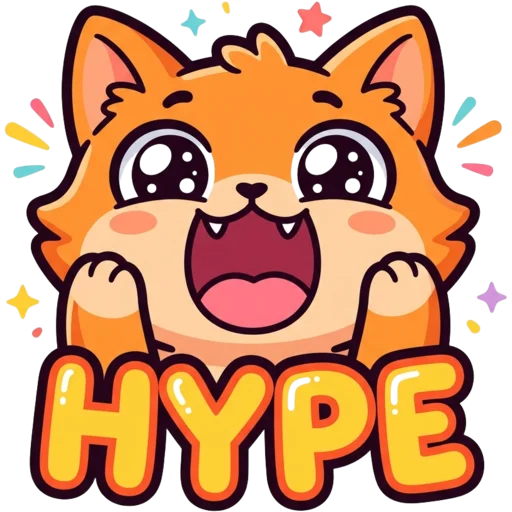
Hype Cat
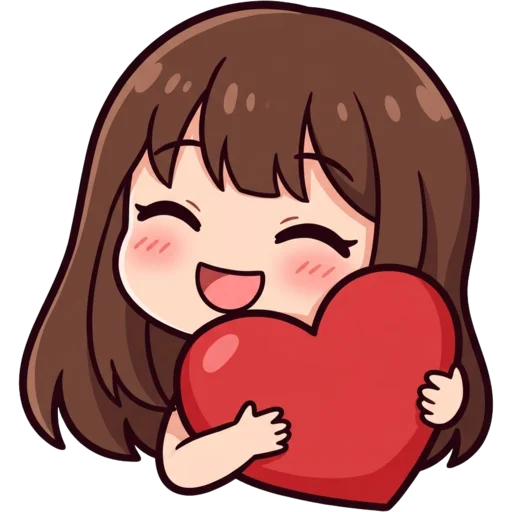
Love Girl
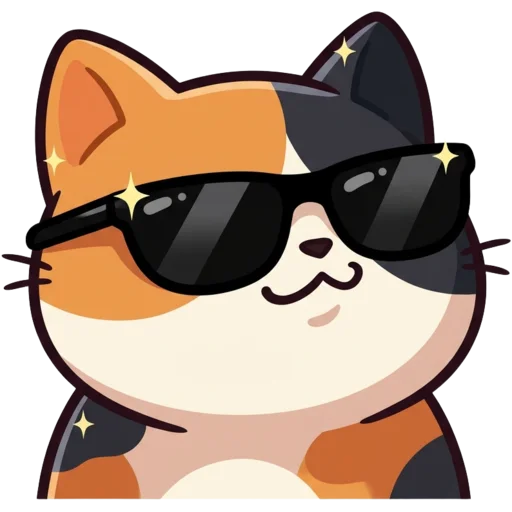
Cool Cat
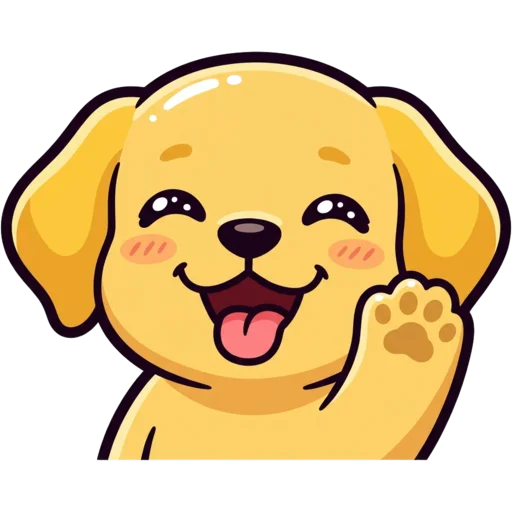
Happy Dog
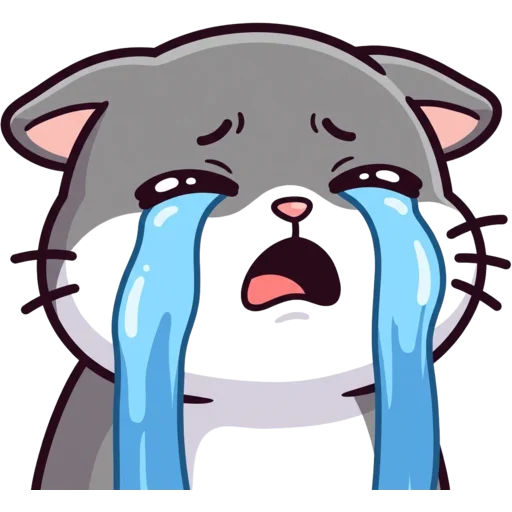
Sad Cat

LUL Guy

Heart Panda

Rage Frog

Blush Cat

Excited Girl
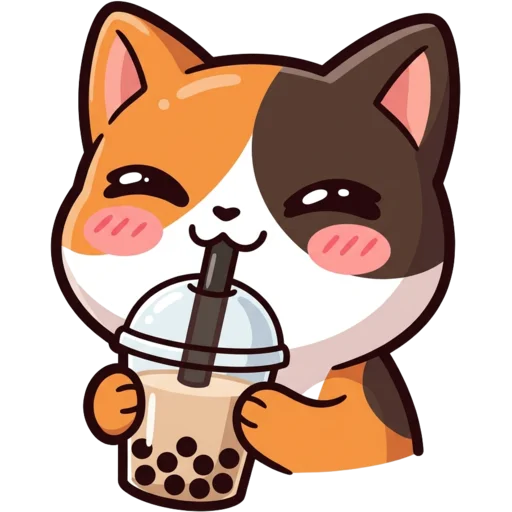
Boba Cat
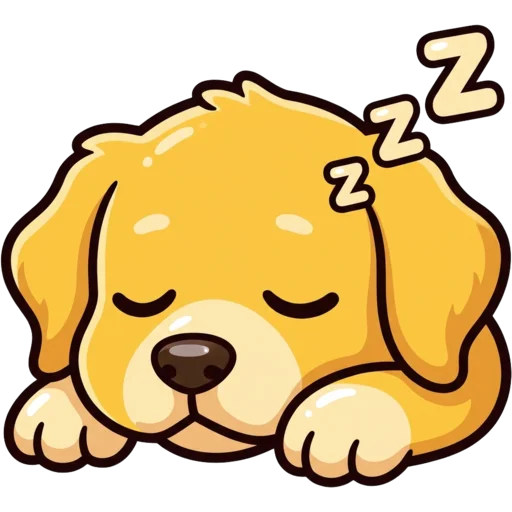
Sleepy Dog

Love Frog
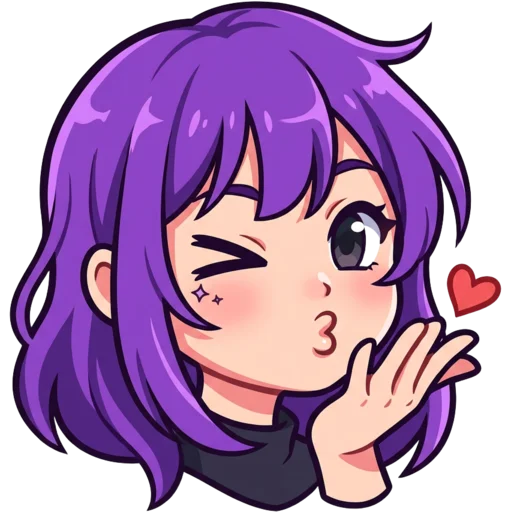
Wink Girl
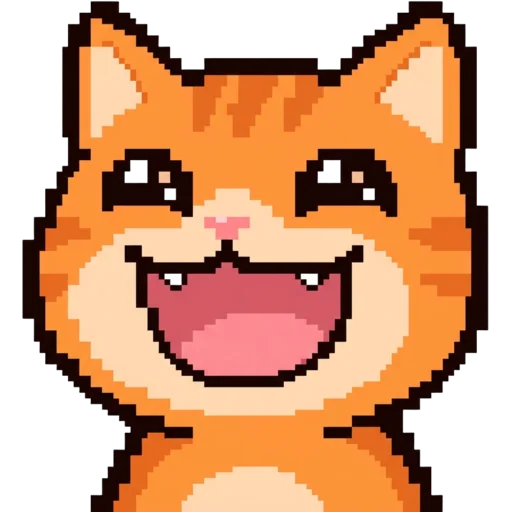
Pixel Cat
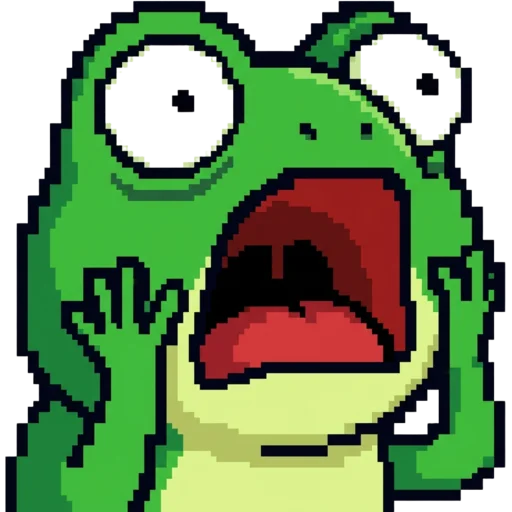
Pixel Frog

Chibi Wave
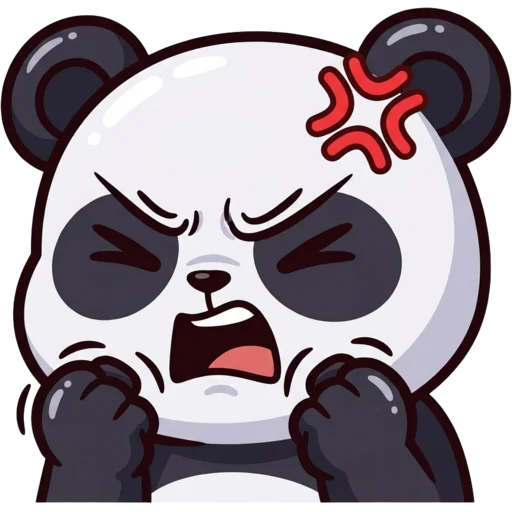
Angry Panda

Clap Cat

Thinking Dog

Popcorn Cat
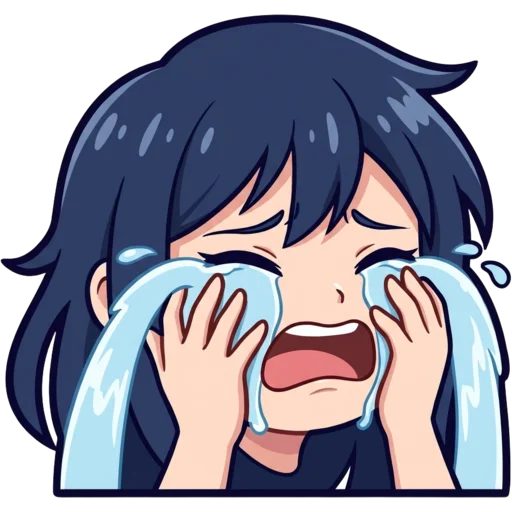
Sad Girl
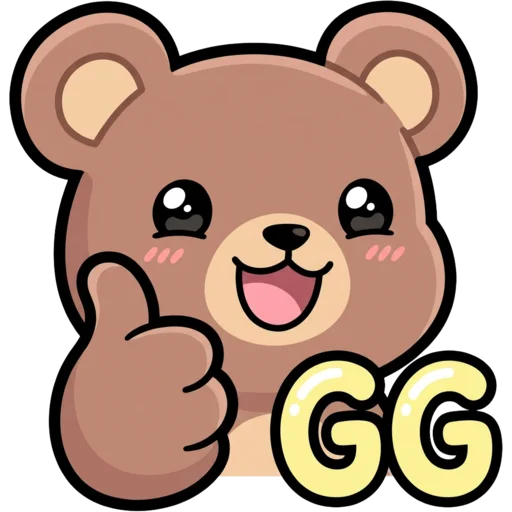
GG Bear
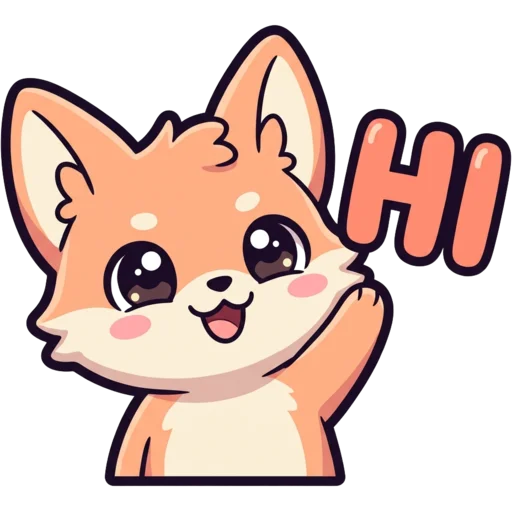
Hi Fox
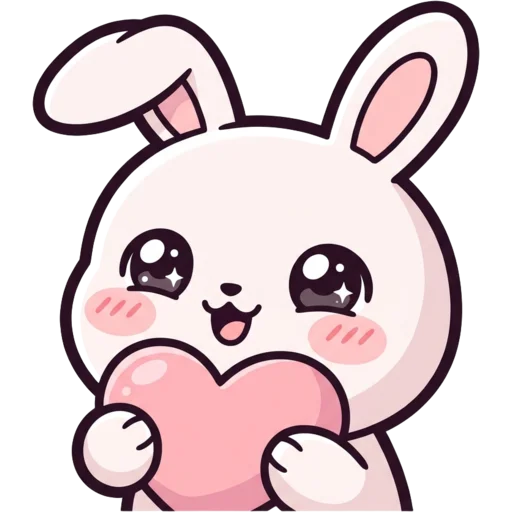
Bunny Love
Laughing Ghost
Free Twitch emotes you can actually use
Free Twitch emotes are ready-made emote images you can download and add to your own channel without paying anything. Every emote in this gallery was made with our AI emote maker, has a transparent background and was drawn to read at Twitch’s smallest chat size, 28 pixels. Download one, resize it, upload it.
The filter buttons above sort them by subject and mood: Cat, Dog, Frog Meme, Bear, Panda, Fox and Bunny, or Hype, Sad, Love, LUL, Rage, GG, Hi, Sleepy and Cry. Pixel and Chibi pick out those two styles. You can also type a word like "cat" or "hype" into the search box.
How do I add a free emote to my Twitch channel?
You add it in three steps: download, resize, upload. Press Download on the emote you like. Run the file through the Twitch emote resizer, which makes the 112, 56 and 28 px versions in your browser and shows each file’s size. Then open your creator dashboard and upload the three files as a new emote. The same image also works as a Discord emoji at 128×128, so one download can cover both your stream and your server.
Before you upload, look at the 28 px preview in the resizer. That is roughly how big the emote will be in most viewers’ chat. If you want to know more about why that size matters, the Twitch emote size guide walks through every number.
Where do these emotes come from?
They all come from this site. Some are examples we made to show each style. The rest were made by visitors: the free first emote a guest makes is added here automatically, and signed-in users can choose to share any emote, badge or PFP they paid for. Paid work stays private unless its owner switches it to public. Nothing appears in the gallery until it has passed a content check, and owners can take their emote down again at any time from My Emotes.
Because anyone can download a gallery emote, it will never be unique to you. When you want an emote of your own face, your pet or a running joke from your chat, the AI Twitch emote maker draws a new one in 15 to 40 seconds and exports every platform size, and the pet emote maker works from a photo of your cat or dog.
Free Twitch emotes FAQ
Where can I get free Twitch emotes?
You can download them right here. Every emote on this page is free to download and use on your Twitch, Discord, Kick or YouTube channel. All of them were made with our AI emote maker, either by us as examples or by people who made an emote on this site and had it shared to the gallery.
Can I use these free emotes on my own Twitch channel?
Yes. Download the image, then use the free Twitch emote resizer to get the 112, 56 and 28 px files Twitch asks for. Other streamers can download the same emote, so if you want something only your channel has, make your own.
How do I make my own Twitch emote for free?
Press "Similar" on any emote here, or go straight to the emote maker. "Similar" opens the maker with that idea and style already filled in, so you only change the details. Your first emote is free and needs no account.
How do I get my emote into this gallery?
Turn on "Share to the public gallery" on your result, or switch an emote to Public in My Emotes. The free emote you make as a guest is added automatically. Every emote passes a content check before it shows here.