How to resize an emote for Twitch
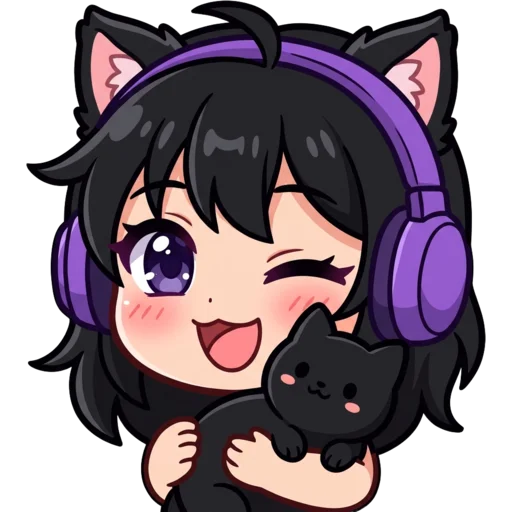
To resize an emote for Twitch, drop your image into the box above or click to pick a file. The resizer makes 112, 56 and 28 px versions straight away and shows each one on a checkerboard, so you can see the transparency survived. Under every preview you get the file size in KB. Download them one by one, or press Download ZIP to get all three named like yourname-twitch-28.png.
Start from the biggest, cleanest version of your emote you have. A 512 or 1024 px PNG with a transparent background gives the best result: shrinking keeps detail, while enlarging a small image only adds blur. Files up to 20 MB are fine. If your image is not square, the tool tells you its exact dimensions and lets you choose how to handle it.
Fit, Fill or Pad: which resize mode should I use?
Use Fit unless you have a reason not to. Fit keeps the whole image and adds transparent space on the short sides when it is not square. Fill crops to a square so the picture covers every pixel, which suits photos and badges that have a background. Pad works like Fit but shrinks the art a little to leave about a 6% margin on each side. That helps emotes whose ears or hands touch the edge of the canvas, because they look less cramped in chat.
Why is my Twitch emote blurry?
Your Twitch emote looks blurry because the design has detail that cannot survive 28 pixels: thin lines, small text or a full-body character. Thick outlines, a big face and two or three main colours read far better. The "Sharpen small sizes" switch, on by default, runs a light sharpening pass on every output. You will notice it most at 56 and 28 px, where soft edges show first.
Blur also creeps in when a big image is squashed down in one jump. This resizer halves the image step by step until it is close to the target, then draws the final size, which keeps edges cleaner than a single resample. Uploading three files you have already checked also means you see the small versions before your chat does.
- Keep text to one short word like "GG" or "POG", or leave it out.
- Crop tight: the character should fill most of the square.
- Check the 28 px preview before uploading. If you can’t tell what it is, simplify.
Does resizing keep the transparent background?
Yes. The resizer outputs PNG files and keeps the alpha channel, so a transparent emote stays transparent. It does not remove backgrounds, though: a white or coloured background stays in the output. If you need a fresh emote with no background, the AI Twitch emote maker removes it automatically, and your first one is free without an account.
Can I resize GIF emotes?
Not as animations yet. You can drop a GIF in, but only the first frame is resized and saved as a PNG. Animated Twitch emotes use the same 112, 56 and 28 px sizes and the same 1 MB limit, so for now resize those in a GIF editor that keeps every frame.
Other sizes you might need
Besides emotes, most channels also need badge and Discord sizes. Sub badges are smaller (72, 36 and 18 px); use the Twitch badge resizer for those. Discord emojis are a single 128×128 image under 256 KB, which the Discord emoji resizer handles. For a full breakdown of every Twitch image size, read the Twitch emote size guide.