
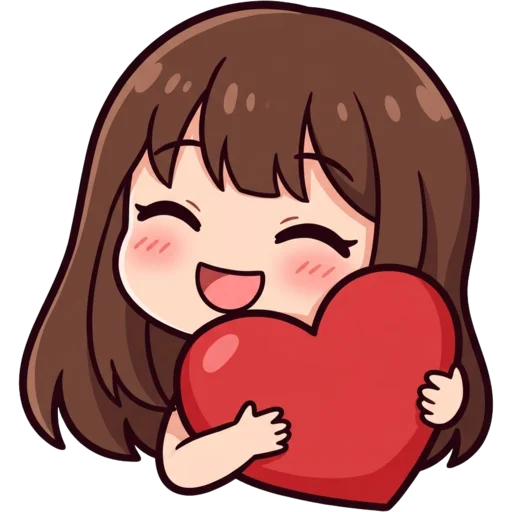
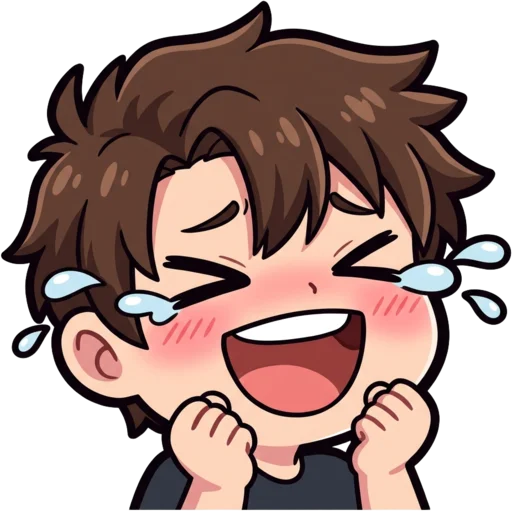
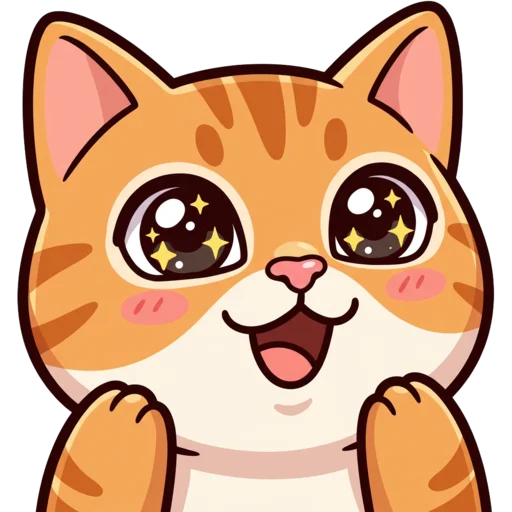

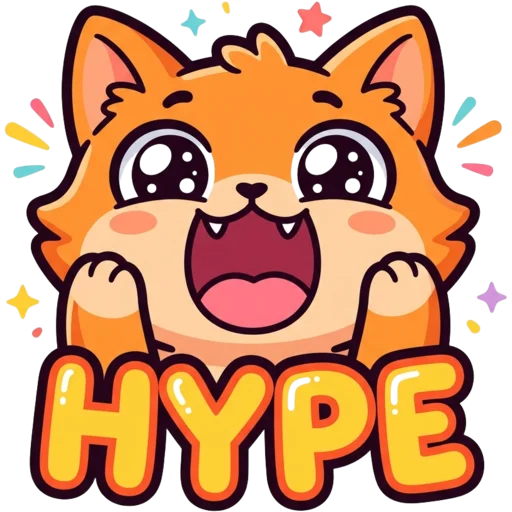

What is photo to emote?
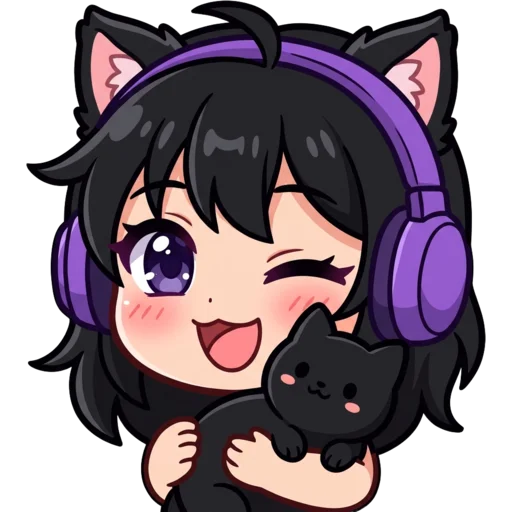
Photo to emote is a way to make a custom emote of yourself without drawing anything. You upload a photo, and the AI redraws you as a small cartoon character with a clear expression, ready for chat. A streamer’s own face is a natural emote for wins, fails and funny moments, because chat already knows it. It works just as well for VTubers who want a "real me" version and for anyone who wants their face in a Discord server.
With an artist, a personal emote means sending reference photos and waiting on sketches. Here you get a finished, transparent emote in a minute or two. Before you download, the result page shows it at 28 px in a mock chat and lists the KB size of the 112, 56 and 28 px files, so you can tell whether your face still reads at chat size. Not happy? Change the expression line and generate again.
How to turn a photo into an emote
Open the Photo to Emote tab at the top of the page and upload a selfie. In the box below, describe the expression you want, for example "laughing with eyes closed" or "shocked, hands on cheeks". Pick a style and press Generate.
Under the hood, the AI studies your photo, keeps your recognisable features and draws a new emote with a big head and bold outlines. It removes the background automatically and shows the result at 112, 56 and 28 px so you can check it reads in chat. Then download the ZIP and upload the three files to your Twitch creator dashboard.
Which photos work best?
A clear, well-lit photo of your face from the front works best. The AI can only keep what it can see, so the more of your face and signature details are visible, the more the emote will look like you. If a result misses a detail, mention it in the expression line, for example "keep my round glasses".
- Face the camera. Side profiles and heavy angles lose detail.
- Use even light. Strong shadows can confuse hair and skin colour.
- Show your signature look: your usual glasses, headset, hat or hair.
- One person per photo. Crop out friends and busy backgrounds.
- Avoid heavy filters, which can change your colours.
Expression ideas for streamer emotes
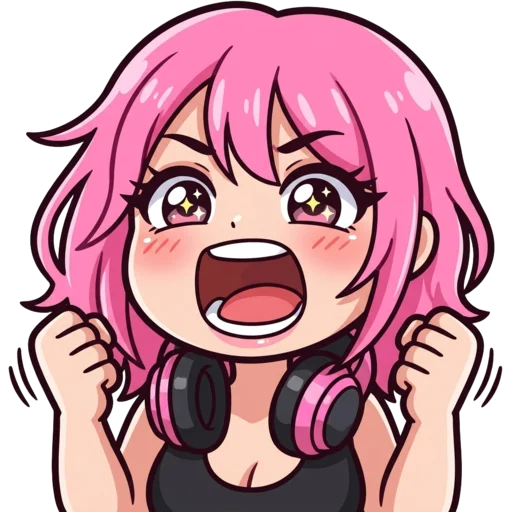
Most streamers start with the reactions their chat uses most. A hype face for wins, a laugh, a sad or crying face, a love emote for raids and subs, and a wave for "hi" cover most of chat. You can make each one from the same selfie by changing the expression line.
| Emote | Expression to type |
|---|---|
| Hype | screaming with hype, both fists up |
| LUL / laugh | laughing hard, eyes closed, tears of joy |
| Sad | crying big cartoon tears |
| Love | hugging a big pink heart |
| Hi | waving hello with a big smile |
| GG | thumbs up, confident grin |
Twitch emote sizes
Twitch asks for three square PNG or GIF files at 112×112, 56×56 and 28×28 pixels, each under 1 MB. Every photo emote downloads in all three, plus the original 1024 px PNG and sizes for Discord, Kick, YouTube, 7TV and BTTV. The Twitch emote size guide explains why the 28 px version matters most. Resizing happens in your browser with light sharpening on the small sizes, so your face stays crisp instead of turning into a blur.
Make a full emote set from one selfie
One good selfie is enough for a whole emote set. Upload the same photo each time and change only the expression line: hype, laugh, cry, love, wave. Keeping the photo and style the same gives every emote the same face, so they look like a matching set in chat.
Cute and Chibi are the most forgiving styles for selfie emotes: big heads and simple faces keep your features easy to spot at 28 px. Anime suits VTubers and anime channels, Kawaii adds soft pastels and blush, 3D turns you into a glossy collectible figure, and Pixel makes you a retro game character. Meme exaggerates your expression for laugh and rage emotes.
Start with the reactions your chat uses most and add more as Twitch gives you more emote slots. Every emote you make while signed in is saved to My Emotes, so you can download it again any time.
Is it safe to upload my photo?
Yes. Your photo is used only to create your emote, and uploaded photos are deleted automatically after 24 hours. Emotes made with credits are saved to My Emotes and stay private unless you share them. The one exception is the free guest emote: it goes to the public free emote gallery by default, and you can switch sharing off on the result page. Please only upload your own photos, or photos you have permission to use. Twitch does not allow emotes of other people’s likeness without permission, and neither do we.
More ways to make emotes
No good selfie? Describe a character instead with the main Twitch emote maker, or turn your cat or dog into a mascot with the pet emote maker. The same photo can also become a profile picture on the PFP maker.
Your first emote is free with no sign-up. After that, each emote costs 30 credits, with packs from $5.99 for 250 credits that never expire. See pricing.