
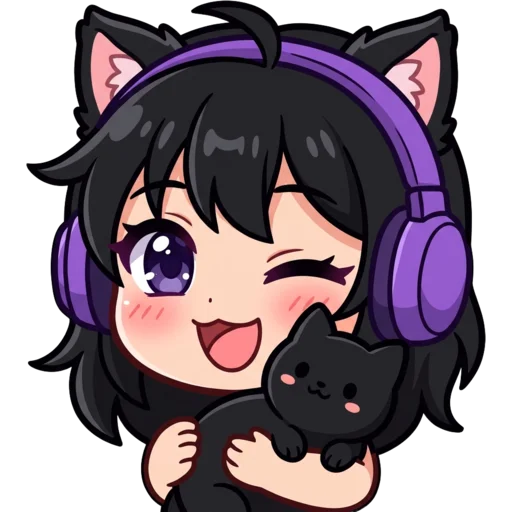






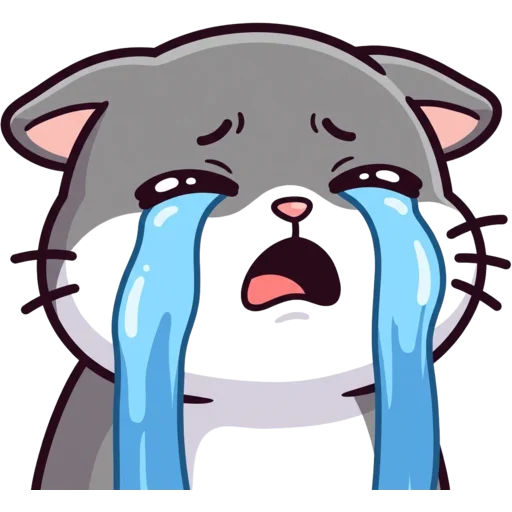

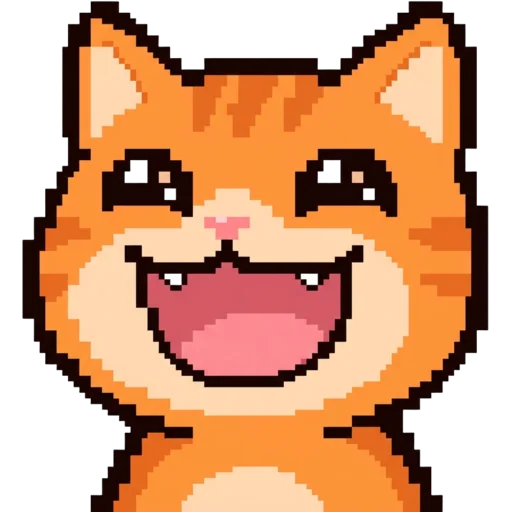
What is a pet emote maker?
A pet emote maker is a tool that turns a real photo of your pet into a cartoon emote your chat can use. Pets are some of the most loved guests on stream, and an emote of your cat knocking things over or your dog doing a happy wiggle gives viewers a way to join in.
This pet emote maker uses AI, so you do not need to draw or hire an artist. Upload a photo, add a mood if you want one, and in a minute or two you get a finished emote with the background removed. It works for cats, dogs, bunnies and most other pets with a clearly visible face.
Fur is where pet emotes usually fall apart. Whiskers, stripes and white patches turn to grey fuzz when a big image is squeezed down. Here each result is shown at 28 px in a mock chat, next to the 112, 56 and 28 px files and their size in KB, so you can see whether your cat’s stripes survive before you upload anything.
How to make an emote of your pet
Open the Pet to Emote tab at the top of the page and upload a photo of your pet. In the box below, add the mood or action you want, like "excited, eyes sparkling" or "wearing tiny gaming headphones". Pick a style and press Generate.
The AI keeps the details that make your pet yours: fur colour, patches, stripes, eye colour, ear shape. It draws them with a bigger head and bold outlines so the emote still reads at 28 px in chat. If a marking goes missing, mention it in the mood line, like "keep the white chest patch". When it is ready, download the ZIP and upload it to Twitch or your Discord server.
Tips for the best pet photo
The best pet photos are clear, well-lit and show the face. The AI works from what it can see, so a sharp photo gives a closer match. A normal phone photo is perfectly fine.
- Get down to their eye level and fill the frame with your pet.
- Daylight beats flash. Flash can turn eyes glowing and change fur colour.
- Show their markings. If the white sock paw matters, keep it in the shot.
- One pet per photo works best.
- A blurry action shot is less useful than a calm, sharp one. Add the action in the text instead.
Pet emote ideas
Start with the reactions chat uses the most and give each one to your pet. Because the expression is just text, you can make a whole set from the same photo. Describe the action in a few words; your pet’s look comes from the photo.
| Emote | Mood to type |
|---|---|
| Hype | screaming with excitement, paws up |
| Love | hugging a big pink heart |
| Sad | crying big cartoon tears |
| Sleepy | asleep in a blanket, little Zzz |
| Cool | wearing sunglasses, smug face |
| Hi | waving one paw hello |
Which style suits a pet emote?
Cute or Kawaii suits most pets, with soft shapes, big eyes and pastel colours. Chibi makes a tiny, round version of your pet. Pixel turns it into a retro game sprite, 3D gives a glossy toy look, and Meme exaggerates the reaction for funny emotes. Try two or three and keep your favourite. If your pet has bold markings, like a tuxedo cat or a spotted dog, Bold Lines keeps them crisp even at 28 px.
Sizes for Twitch and Discord
Every pet emote downloads in the sizes both platforms ask for: Twitch’s 112, 56 and 28 px, Discord’s 128×128 under 256 KB, and Kick, YouTube, 7TV and BTTV sizes, plus the original 1024 px PNG. Resizing happens in your browser with light sharpening, so whiskers and markings stay crisp at small sizes. Want your pet as a server emoji? The Discord emoji maker explains how to upload it.
Your pet can also become your channel’s face. Use the Twitch logo maker for a mascot logo, or turn the emote into a loyalty badge with the sub badge maker.
Make a set of emotes starring your pet
You can make a full set from one clear photo. Upload the same picture each time and only change the mood line, so every emote has the same fur, markings and face. Keep the style the same too, and the emotes will look like they belong together.
Yes, pet emotes work as channel branding too. A pet mascot on your sub badges, banner and logo is easy to recognise, and it gives regulars something to talk about when the pet wanders on camera. Turn the emotes into Discord server emojis and your community can use them off stream too.
Not every reaction needs your pet front and centre. Mix in a few text emotes in the same style, like a GG sign or a heart, and the whole set still feels like one family.
How much does a pet emote cost?
A pet emote costs 30 credits, and your first one is free with no account. After that you buy credits. Packs start at $5.99 for 250 credits, are a one-time payment and never expire. See pricing for every pack. No pet photo handy? Describe an animal with the Twitch emote maker instead.