What is a PFP maker?
A PFP maker is a tool for creating a profile picture: the small, usually round image next to your name on Twitch, Discord, YouTube, X and gaming platforms. PFP is short for "profile picture". A good one is easy to spot at a glance, even at a few dozen pixels wide.
Classic avatar makers hand you a kit of hair, eyes and outfits to click together, which is why so many of their avatars look alike. Here you describe the avatar in words and the AI draws it from scratch. Every PFP is framed the same practical way: head and shoulders, centred, filling the square, on a simple background that suits the style, with no text. That framing is what survives a circle crop. You get the original plus Twitch, Discord and YouTube sizes, and the same eight styles are used for our emotes, badges and banners, so your avatar can match the rest of your channel.
How to make a PFP with AI
Type a description in the box at the top, pick a style and press Generate. Most PFPs are ready in 15 to 40 seconds, and the description can be up to 200 characters, which is plenty for hair, eyes, outfit and mood.
Download one size or press "Download all sizes" for a ZIP with the Twitch, Discord and YouTube files plus the original. Not quite right? Change one detail and regenerate. Small edits like "shorter hair" or "add round glasses" are easier to steer than starting over.
- Start with what people notice first: hair, eyes, headwear.
- Add one accessory that makes it yours, like a headset, scarf or animal ears.
- Name a mood: confident, sleepy, mischievous, cheerful.
Anime, pixel or cartoon: which avatar style?
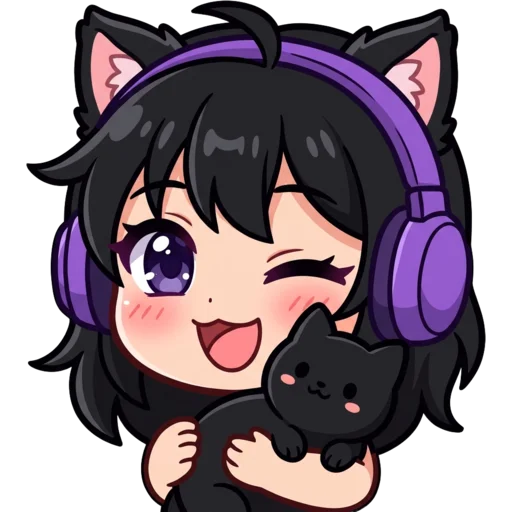
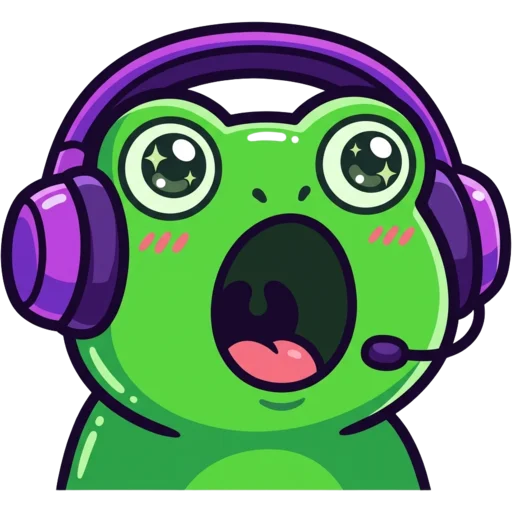
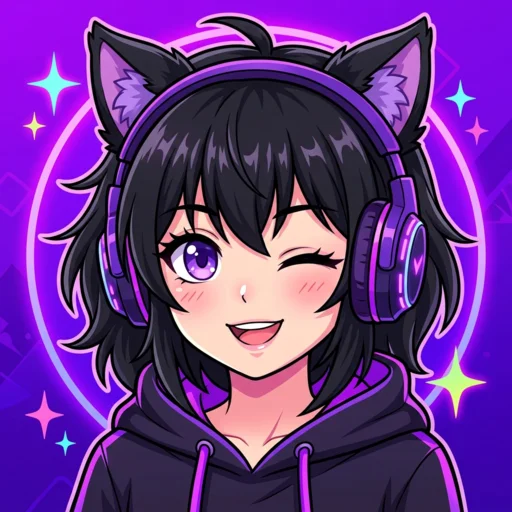
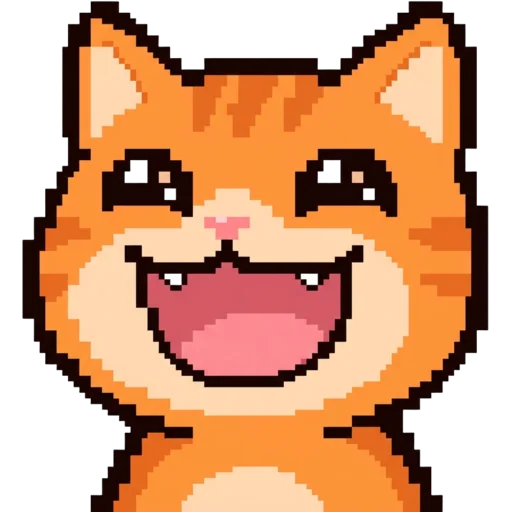
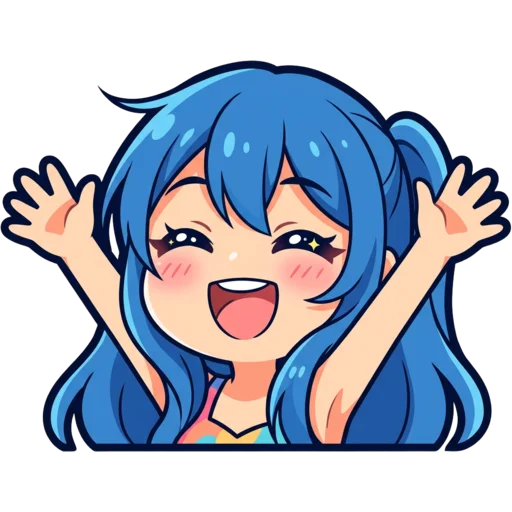
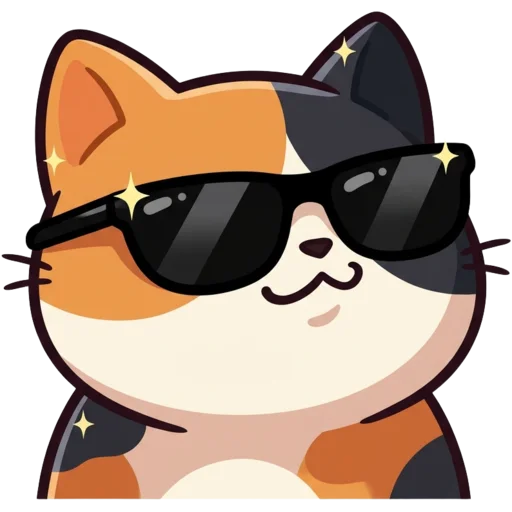
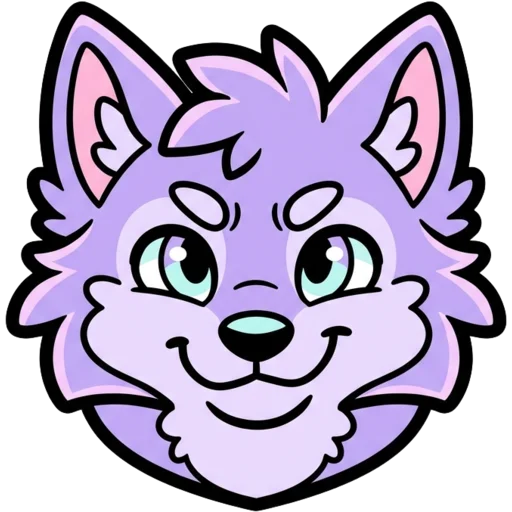
Choose anime for a classic character portrait, pixel for a retro game look, and cute or chibi for a friendly cartoon. Each style keeps bold shapes so the avatar still reads when it is shown small, and pixel avatars are resized without smoothing so the squares stay crisp.
| Style | Looks like | Popular with |
|---|---|---|
| Anime | Cel-shaded anime portrait | Gamers, anime fans, VTubers |
| Pixel | Crisp retro sprite | Retro, indie and Minecraft players |
| Chibi | Huge head, tiny body | Playful, cute profiles |
| Kawaii | Pastels, blush, sparkly eyes | Cosy and art creators |
| 3D | Glossy toy figure | Bold, modern profiles |
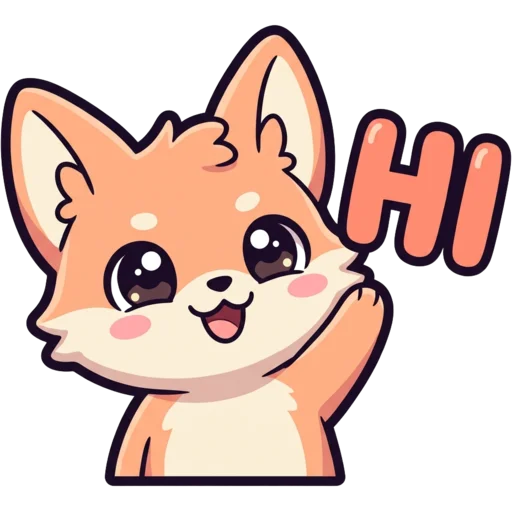
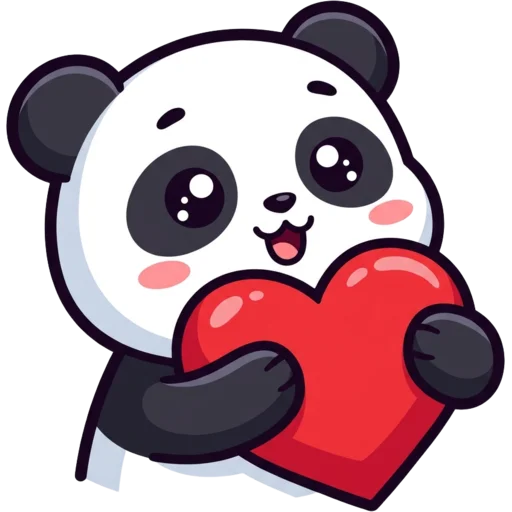
| Cute | Rounded cartoon sticker | Animal mascots |
| Bold Lines | Extra-thick outlines | Avatars that must read tiny |
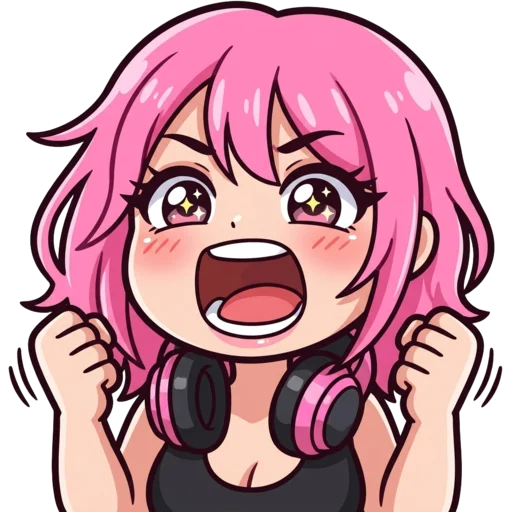
| Meme | Exaggerated reaction face | Funny, ironic profiles |
Profile picture sizes for Twitch, Discord and YouTube
Twitch needs a square of at least 256×256 pixels, Discord shows avatars as a circle, and YouTube uses a square that it crops round. The download covers each one: 256×256 for Twitch, 512×512 for Discord so it stays sharp on high-resolution screens, and 800×800 for YouTube.
Keep the face in the centre on every platform, because all three cut off the corners. For other apps, the 800 px file is the safe pick since it is the largest.
| Platform | Our export |
|---|---|
| Twitch | 256×256 PNG |
| Discord | 512×512 PNG |
| YouTube | 800×800 PNG |
What makes a good profile picture?
A good profile picture is recognisable at about 40 pixels wide. Platforms show your PFP small and round in chat, comments and member lists, and that size punishes detail.
Most of these rules are already built into how the AI is asked to draw: head and shoulders, centred, filling the frame, on a plain background, with no text. Your part is deciding what the character looks like.
- One subject, centred, with the face filling most of the frame.
- Strong contrast between the character and the background.
- A signature colour or accessory people can spot instantly.
- No small text. It will not survive the circle crop.
- Use the same PFP everywhere so people recognise you across platforms.
Can I make a PFP of myself?
Yes, by describing yourself the way a friend would: hair colour and length, glasses, beard, the headset you always wear. The AI draws an avatar version of you without a photo, which many streamers prefer for privacy.
If you would rather start from a real selfie, use photo to emote. It keeps your actual features and turns you into a cartoon you can also use as a profile picture. Uploaded photos are deleted automatically after 24 hours.
Build a matching streamer look
Start with the PFP and build the rest of the channel in the same style. Make a matching Twitch banner, turn the same character into chat emotes with the Twitch emote maker, or design a mascot with the Twitch logo maker. Mostly on Discord? The Discord PFP maker has tips just for Discord.
The Channel Kit does this for you: 15 matching pieces for $9.99. It draws your PFP first, then uses it as the reference for six emotes, three sub badges, a banner, three panels and an offline screen.
Is the PFP maker free?
Your first PFP is free with no account. After that each PFP costs 30 credits. Packs start at $5.99 for 250 credits; you pay once, there is no subscription, and credits never expire. See pricing. Everything you make is saved to My Emotes. PFPs paid for with credits stay private unless you share them; the free first one goes into the public free Twitch emotes gallery after a moderation check.