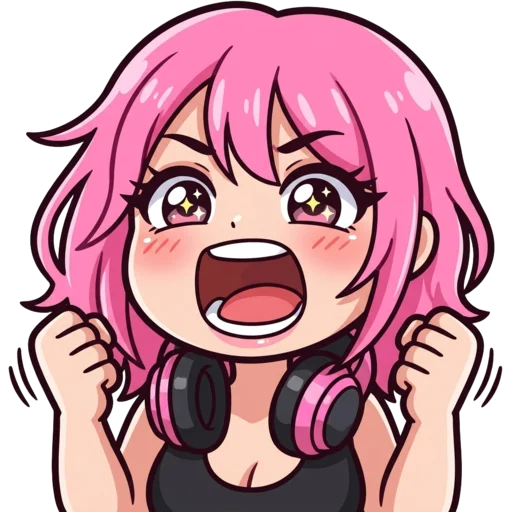
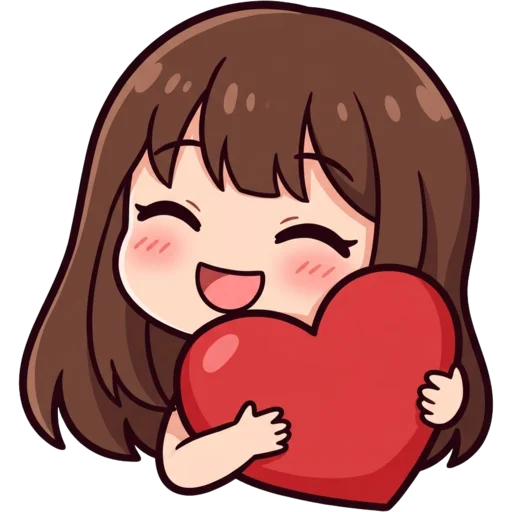
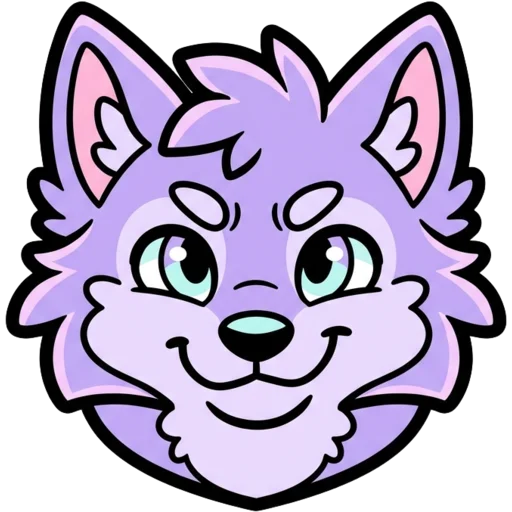
What is a Discord PFP maker?
A Discord PFP maker is a tool that creates a profile picture (PFP) for your Discord account. Your PFP shows next to every message, in member lists and in voice channels. In a busy channel it is how friends spot you before they read your name.
Most PFP makers give you a dress-up template with a fixed set of hair and outfits. This one is built around how Discord displays avatars. You describe the avatar in plain words, and the AI is told to draw it head and shoulders, centred and filling the square, on a simple background with no text, because Discord cuts the corners off and often shows you at the size of a fingertip. You download a 512 px file for Discord along with 256 px for Twitch and 800 px for YouTube, so one avatar covers all three.
How to make a Discord PFP with AI
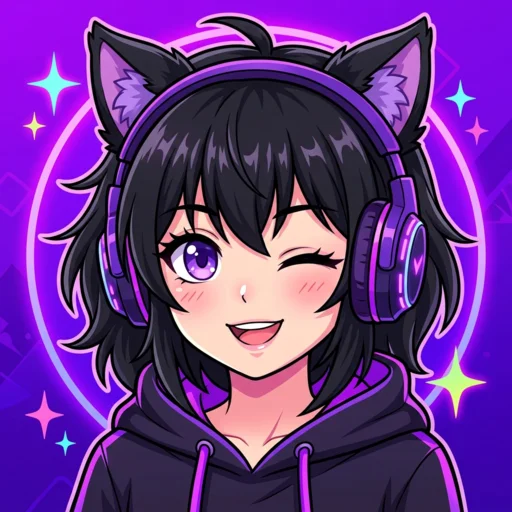
Open the PFP tab, describe your avatar, pick a style and press Generate. Be specific about the parts people notice: hair colour and style, eye colour, glasses, headphones, a hoodie, an animal-ear headband. Most PFPs are ready in 15 to 40 seconds.
Download the Discord file, then open User Settings → Profiles in Discord and change your avatar. Want another take? Press Regenerate, or change one detail in the description and try again. You do not need Nitro to use a still image as your avatar.
- Lead with the big features: "pink twin-tails, green eyes, black cat-ear headset".
- Add a mood: smug, cheerful, sleepy, mysterious.
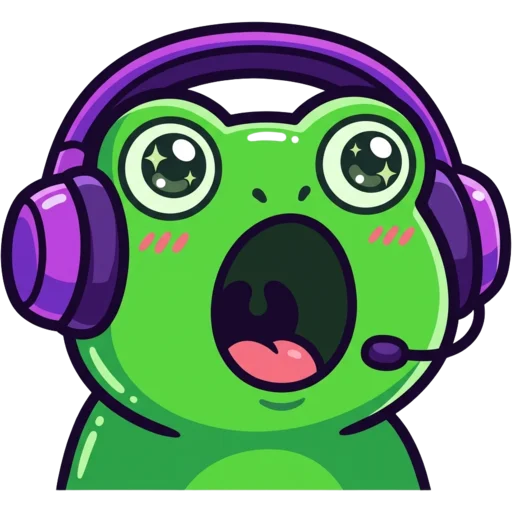
- Want a mascot instead of a person? Describe an animal or creature.
Can I make a Discord PFP that looks like me?
Yes. Describe yourself and the AI draws an avatar version of you. Mention your hair, skin tone, face shape, glasses, facial hair and the clothes or headset you always wear; the more of these you include, the closer the match. Plenty of people prefer this to a photo because it feels personal without showing their real face.
If you want the AI to work from an actual selfie, use photo to emote. It keeps your real features and turns you into a cartoon that also works as a profile picture. Uploaded photos are deleted automatically after 24 hours.
Discord PFP styles
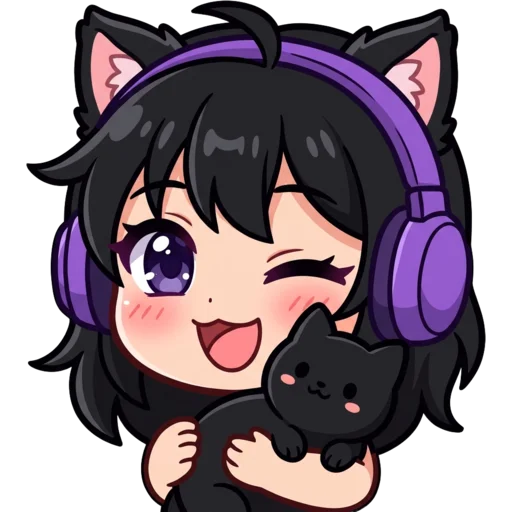
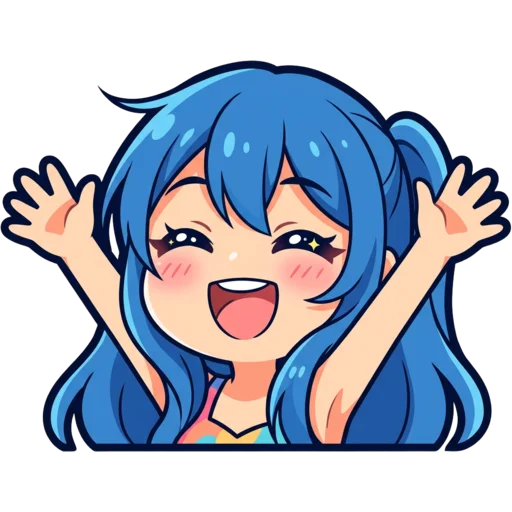
Anime is the most common pick for Discord avatars, but all eight styles work in a circle. Choose the one that fits your servers. Not sure? Generate the same description in two styles and put them side by side.
| Style | Looks like | Good for |
|---|---|---|
| Anime | Clean cel-shaded character | Gaming and anime servers |
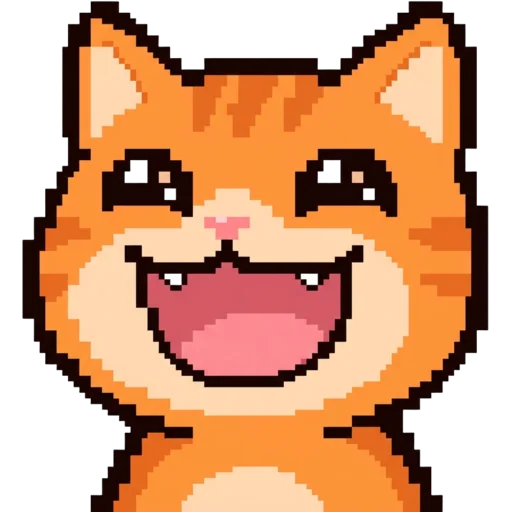
| Pixel | Retro game sprite | Minecraft, retro and indie communities |
| Chibi | Huge head, tiny body | Cute, playful avatars |
| Kawaii | Pastels, blush, sparkly eyes | Cosy and art servers |
| 3D | Glossy toy figure | Standout, collectible look |
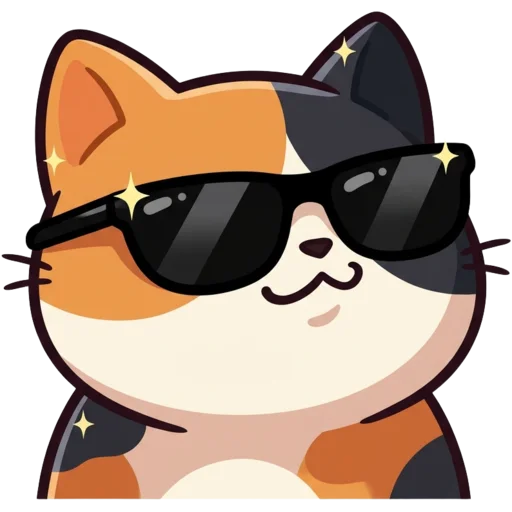
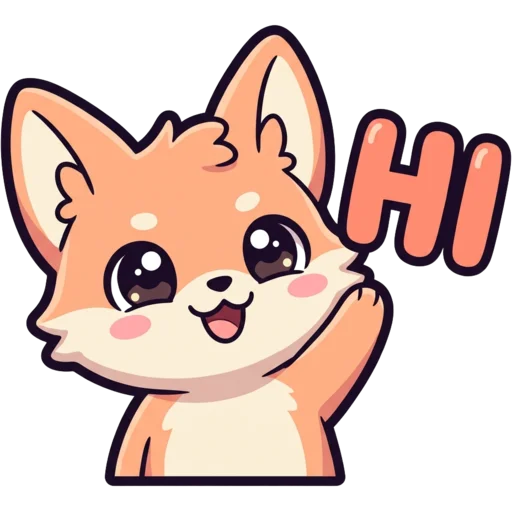
| Cute / Bold Lines | Rounded cartoon, thick outline | Mascots and animals |
Discord PFP ideas
Good Discord PFP ideas are simple, centred and easy to recognise at a glance. Here are six prompts that look good in a circle. Swap in your own colours, hair and accessories.
| Idea | Prompt to try |
|---|---|
| Anime self-portrait | a girl with short silver hair and red eyes, black hoodie, smug smile |
| Gamer avatar | a guy with messy brown hair and round glasses, green headset |
| Animal mascot | a sleepy fox wrapped in a blanket |
| Pixel hero | a tiny knight with a blue cape |
| Cosy vibe | a cat in a knitted beanie holding hot cocoa |
| Mysterious | a hooded figure with glowing purple eyes |
What size is a Discord profile picture?
A Discord profile picture should be a square image of at least 128×128 pixels; Discord crops it to a circle. We export 512×512 PNGs so it stays sharp on high-resolution screens and in your profile pop-out. Keep the face centred, since the corners get cut. Your avatar also shows tiny in member lists and replies, where a bold, simple design reads better than a busy one.
The same download includes a 256 px version for Twitch and an 800 px version for YouTube.
Match your PFP with emojis and a banner
You can match your PFP by making emojis and a banner in the same style. Use the Discord emoji maker to make server emojis of your character, or a banner with the Twitch banner maker; its download includes a 960×540 Discord size.
Need avatars for other apps too? The PFP maker covers anime, pixel and cartoon avatars for any platform. One character across your avatar, emojis and banner makes your profile easy to recognise.
Is this Discord PFP maker free?
Your first PFP is free and you do not need an account. After that each PFP costs 30 credits. Credit packs start at $5.99 for 250 credits, paid once, and the credits never expire. The pricing page lists every pack. Everything you make is saved to My Emotes. PFPs paid for with credits stay private unless you share them; the free first one is added to the public free Twitch emotes gallery after moderation.