What is a Discord emoji maker?
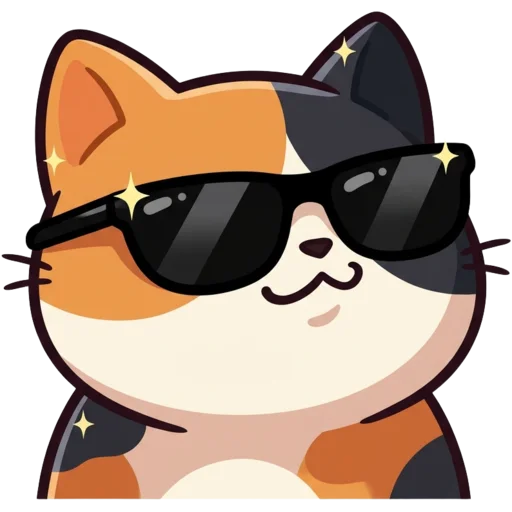
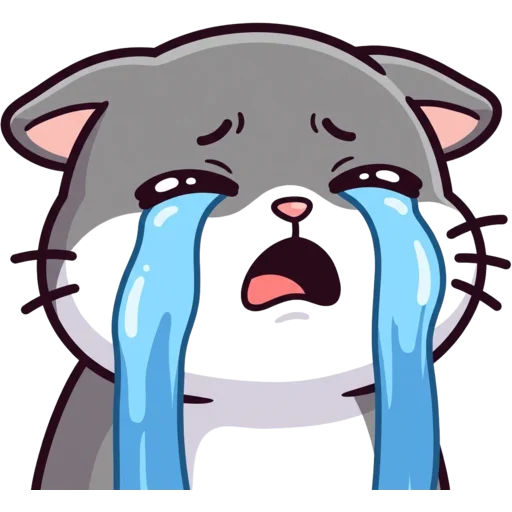
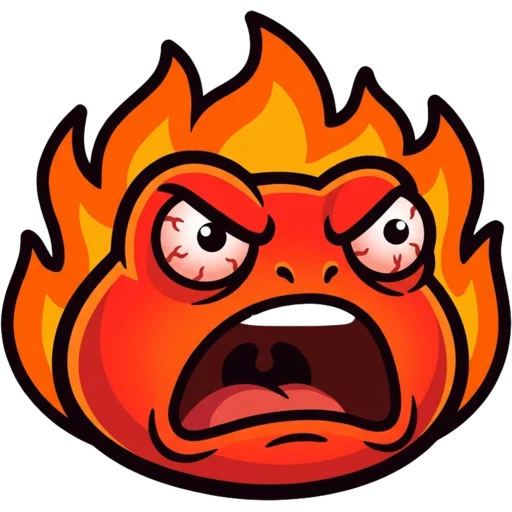
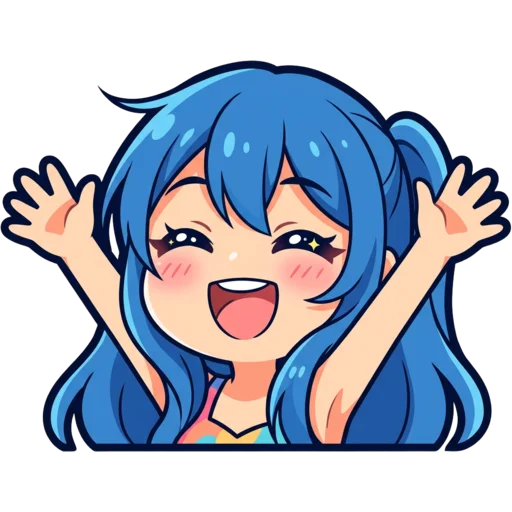
A Discord emoji maker is a tool that creates the custom emojis a server can add on top of Discord’s standard set. Members use them in messages and reactions, and with Nitro they can use them in other servers too. A good set of server emojis gives a community its own inside jokes and reactions.
This Discord emoji maker uses AI to draw the emoji for you. Describe it, pick a style and you get a finished image with the background already removed, sized for Discord and ready to upload. You do not need a drawing app or a separate resizer.
What makes it different from a general AI image tool is the last step. The result page shows your emoji at chat size inside a mock chat, on a dark or light theme, and checks that the corners came out transparent. The Discord file is a 128×128 PNG made in your browser. Even uncompressed, an image that size is about 64 KB, so it always fits under Discord’s 256 KB limit.
How to make a custom Discord emoji
Type your idea in the box at the top of the page, choose a style and press Generate. A text emoji usually takes 15 to 40 seconds. Ideas that work well are short and emotional: "a frog sipping tea, unimpressed", "a bunny holding a heart", "a cat with a shocked face".
Download the Discord file, then open Server Settings → Emoji and press Upload Emoji. You need the Manage Expressions permission on that server. Give the emoji a short name, and members can use it right away with :name: in chat. Emojis made while signed in are saved to My Emotes, so you can download them again for another server later.
- One subject, one emotion. Simple emojis read best at reaction size.
- Short text like "GG", "NO" or "LOL" is fine. Longer words get too small.
- Making a set? Keep the same style so all your server emojis match.
What size should Discord emojis be?
Discord emojis should be 128×128 pixels and no larger than 256 KB. Discord accepts PNG, JPG and GIF, and transparent PNGs look cleanest on both dark and light themes. Discord shrinks emojis a lot when they show up in chat: about 22 px next to text, and 48 px when a message is only emojis.
That is why every emoji made here is drawn with thick outlines and simple shapes. The full rundown is in our Discord emoji size guide. If you already have an image that is too big, the free Discord emoji resizer shrinks it in your browser.
| What | Size |
|---|---|
| Upload size | 128×128 px |
| Max file size | 256 KB |
| File types | PNG, JPG, GIF |
| Shown in a message with text | About 22 px |
| Shown when a message is only emojis | 48 px |
How many custom emojis can a Discord server have?
A server without boosts gets 50 static emoji slots and 50 animated ones. Server boosts raise that: Level 1 gives 100 of each, Level 2 gives 150, and Level 3 gives 250. Because slots are limited, it pays to make every emoji count, which is easier when you can generate a few versions and keep the best.
Turn yourself, a friend or your pet into an emoji
Yes. Upload a selfie or a pet photo and the AI turns it into an emoji. Emojis of the people in a server tend to become its running jokes. Use the Photo tab to upload a clear selfie and the AI keeps your hair, glasses and other features while turning you into a cartoon emoji. See photo to emote for tips. Only use photos you have permission to use.
Server pets work just as well. The pet emote maker turns a photo of your cat or dog into an emoji that keeps its markings. Photo emojis take a minute or two to make.
Use the same emoji on Twitch, Kick and YouTube
Yes, every download includes more than the Discord file. The ZIP also has Twitch (112, 56 and 28 px), Kick, YouTube, 7TV and BTTV sizes, so streamers can use one set of emotes on stream and in their Discord. The emote maker page explains each platform’s sizes.
Want a Discord avatar to match? The Discord PFP maker makes profile pictures in the same styles.
Discord emoji ideas for your server
Start with reaction emojis: quick ways to say yes, no, lol or "that was rough" without typing. Make a handful of those first, then add emojis that only make sense in your community, like the server mascot, a moderator’s catchphrase or your game’s inside joke.
Keep emoji names short and easy to type, like :catyes: or :froglol:. Discord emoji names can use letters, numbers and underscores and need at least two characters.
| Emoji | Prompt idea |
|---|---|
| Agree | a cat giving a big thumbs up |
| Laugh | a frog crying with laughter |
| Shocked | a bunny with huge shocked eyes |
| Sad | a puppy with one big tear |
| Love | a panda hugging a pink heart |
| GG | a bear holding a sign that says GG |
How much does it cost?
A custom Discord emoji costs 30 credits, and your first one is free with no sign-up. Packs start at $5.99 for 250 credits, are a one-time payment and never expire. That is about 8 emojis from the smallest pack, or roughly $0.62 to $0.72 each depending on the pack. All packs are on the pricing page.